How Can You Record a Call? 3 Ways to Automate It Using AI
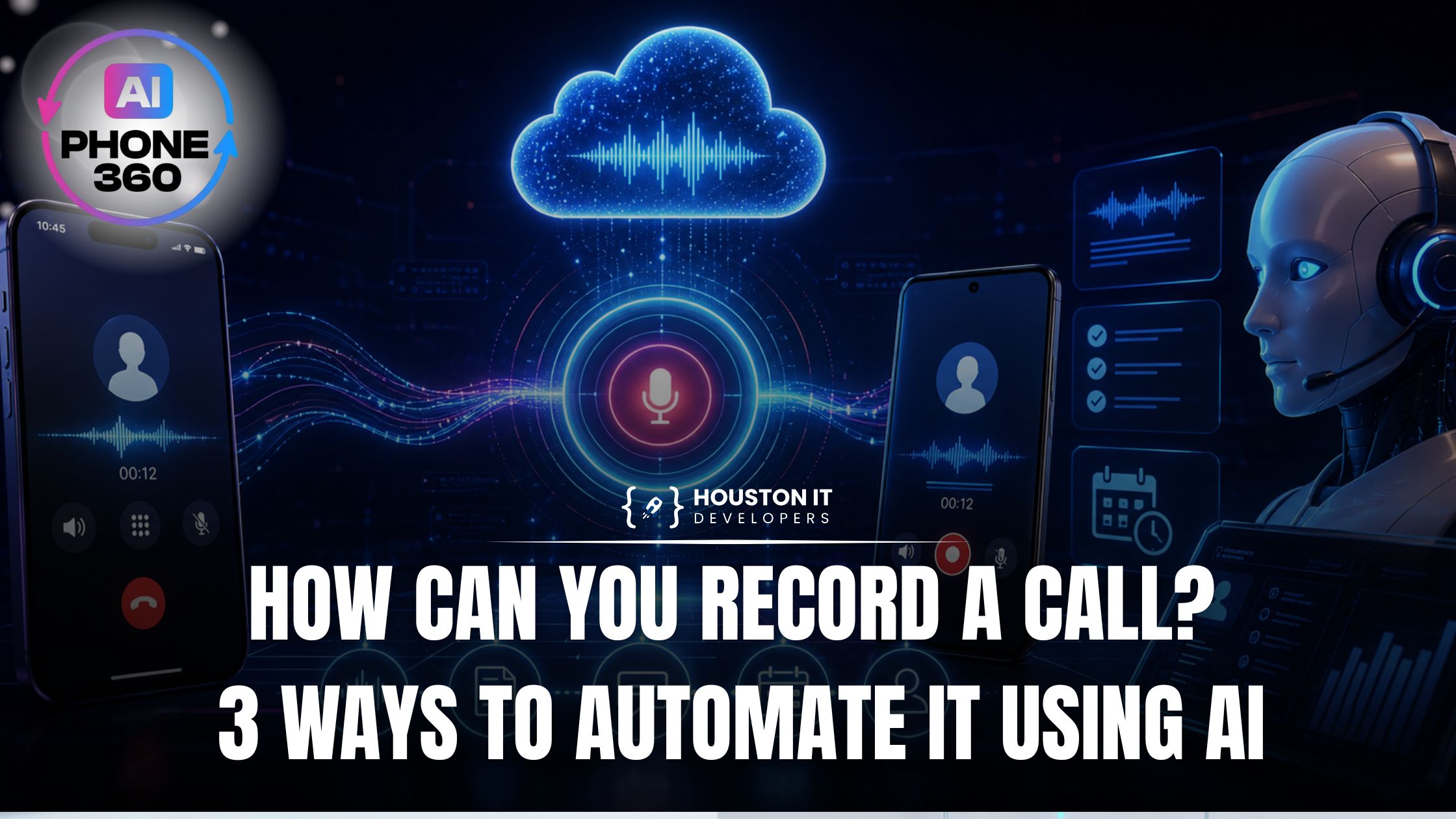
If you have ever searched how can you record a call, you already know the reason. You are trying to protect an important customer conversation, keep track of what was agreed on, or stop missing details that cost you time and money later. That is a real problem worth solving.
Recording the call is actually the easy part. The hard part is what happens after. This post walks through how to record a call on iPhone and Android, then covers three ways AI turns those recordings into something your business can actually use.
How Can You Record a Call on iPhone?
This is where a lot of people hit a wall. If you are wondering how to record phone calls on iPhone, the honest answer is that Apple does not make it simple.
iOS has no native call recorder built into the phone app. Apple restricts background audio capture on cellular calls for privacy reasons, and those restrictions vary by state law as well. So if you are asking how to record calls on iPhone through the default dialer, you cannot — at least not without a workaround.
Here is what actually works:
- Third-party apps like TapeACall or Rev Call Recorder. These merge your live call with a recording line through a three-way connection. They work, but you have to remember to trigger them before the call starts, and audio quality can be inconsistent.
- Google Voice. Free, and it lets you record inbound calls by pressing 4 during the call. Outbound recording is not supported, and the other party hears a disclosure announcement.
- VoIP or AI phone systems. These handle recording at the server level, not the device level. You do not touch your phone at all. This is the cleanest option and what we built AI Phone 360 around.
The device-level workarounds answer how to record phone calls on iPhone in theory. In practice, they create a pile of unlabeled audio files with no context, no follow-up, and no connection to your customer records.
How Can You Record a Call on Android?
Android is more flexible than iOS here, but it still depends on your device and software version.
Here are your main options to record voice calls on Android:
- Google Phone app. Pixel phones and a handful of others have a built-in Record button inside the native dialer. You can record telephone calls on Android this way without any third-party app. A tone plays during the call to notify the other party.
- Manufacturer apps. Samsung, Xiaomi, and a few others include their own recorder inside the phone app. Check your dialer settings before downloading anything.
- Third-party apps like Cube ACR. These tap into the microphone feed during active calls. They worked well on older Android versions, but Android 9 and above have tightened microphone access during calls, so compatibility varies.
Even when you successfully record voice calls on Android, you still end up with a folder of audio files. You have to go back, listen, find the relevant parts, and manually update your CRM or notes. For a handful of calls a week, annoying but doable. For real business volume, it breaks down fast.
Meeting Recording vs. Phone Call Recording
A lot of people search how to record a meeting and how to record a call interchangeably, but they are actually different problems.
Video meeting recording on Zoom, Google Meet, or Teams is straightforward. The platform has a built-in record button. Hit it, and the platform saves a video and usually a transcript. If you want to know the best way to record a meeting in a video tool, that is genuinely a one-click answer.
Phone call recording is messier. Cellular networks, device-level restrictions, and the lack of a central platform make it harder to standardize. And neither scenario, video or phone, solves the business workflow problem on its own.
| Scenario | Recording Method | Post-Call Value |
|---|---|---|
| Zoom / Meet / Teams | Built-in, one click | Decent (transcript included) |
| iPhone phone call | Third-party app | Low (raw audio only) |
| Android phone call | Built-in or app | Low (raw audio only) |
| AI phone system | Automatic, cloud-based | High (transcript, CRM, SMS) |
The best way to record a meeting in a video tool is already solved. The best way to handle phone call recording at scale is a different question entirely, and that is where automation starts to matter.
3 Ways to Automate Call Recording With AI
Here is where things actually get useful. Once you stop treating call recording as a manual task and start treating it as an automated workflow, the whole picture changes.
1. Automatic Transcription and Indexing
The first level of automation is turning every call into searchable text the moment it ends.
With AI Phone 360's call recording infrastructure, every inbound call is transcribed in real time. Not just saved as audio — converted into text that you can search by caller name, date, keyword, or topic. You can pull up what a specific customer said three weeks ago in seconds, without listening to anything.
This is what automatic recording looks like when it is built for business use rather than just compliance. The cloud stores everything in structured form, so your entire call history is actually accessible instead of buried in a folder somewhere.
2. Smart Summaries and Action Items Sent via SMS
The second level of automation is making sure you never have to listen back to a call to find out what happened.
After every call, AI Phone 360 extracts the key points and sends you a concise summary via SMS. If the caller mentioned a specific issue, asked for a quote, or wanted to reschedule, that shows up in your summary without you opening a transcript. It does not just capture the call. It pulls out what matters and delivers it directly to you.
This is practical in a way that basic recording apps are not. If you take 30 calls in a day, you are not listening to 30 recordings. You are reading 30 clean summaries and acting on what needs a response.
3. A Voice-Cloned AI Receptionist That Handles Everything
The third level is the one that changes how your phone actually operates.
AI Phone 360's AI receptionist answers every call 24/7 in your voice or a professional AI voice of your choice. It does not just record the call. It handles the call. It books appointments by syncing directly with your Google Calendar, answers common questions from your custom knowledge base, qualifies leads, and logs everything automatically.
Every interaction is stored in the built-in CRM. If you use Salesforce, HubSpot, or another platform, the data syncs there too. Nothing falls through the cracks because the entire workflow, from answering to logging to follow-up, runs on its own.
This is a fundamentally different answer to the question of how can you record a call. You are not recording calls to review later. The AI is handling them, recording them, summarizing them, and routing the outcomes to the right place, all without you being on the phone at all.
Why the Traditional Methods Aren't Built for Business Volume
We see this pattern often. A business owner sets up a basic recorder, feels good about it for a week, then gradually stops because the friction is too high. Audio files pile up unlistened. Details still get missed.
The traditional approach to how can you record a call was designed for personal use, not for businesses that need call data to flow into their operations automatically.
Here is what the AI Phone 360 call center infrastructure handles that manual methods do not:
- Automatic recording on every call, no manual steps
- Real-time transcription in a searchable cloud database
- Smart summaries pushed to your phone after every call
- CRM tagging and contact creation without anyone touching a keyboard
- 24/7 coverage even when your team is unavailable
None of that is possible with an app on your phone. It requires infrastructure built around call recording as a business function, not a personal convenience.
Which Setup Is Right for You?
Not every business needs the full AI receptionist. Here is a straightforward way to figure out where you land:
- You take fewer than 10 calls a week and just want a paper trail: a basic Android dialer recorder or a third-party iPhone app will probably do the job.
- You take calls at real business volume and want to stop managing audio files: AI Phone 360's automatic recording and transcription is worth a serious look.
- You want your phones answered 24/7, data flowing into your CRM, and zero time spent on call admin: the full AI phone system is what solves that.
Plans start at $19.99 per month, setup takes about 90 seconds, and there are no long-term contracts.
Final Thoughts on How Can You Record a Call
If you are searching for how can you record a call, there are plenty of ways to capture conversations on iPhone, Android, and video meeting platforms. The bigger challenge is what happens after the recording ends. Most traditional solutions leave you with audio files that still require time to review, organize, and act on.
For businesses, the real value comes from automation. Automatic recording, searchable transcripts, AI-generated summaries, CRM logging, and 24/7 call handling turn recorded conversations into useful business data. Instead of spending hours managing recordings, you can focus on serving customers and growing your business.
AI Phone 360 combines all of these capabilities into a single platform. Every call is automatically recorded, transcribed, summarized, and organized so you never lose important customer information. If you want to go even further, the AI receptionist can answer calls around the clock, book appointments, qualify leads, and update your CRM automatically.
Ready to stop managing recordings manually? Create your account today through AI Phone 360 Sign Up and see how AI-powered call management can transform your business.
You can also install AI Phone 360 on your preferred device:
Get started in minutes and discover a smarter way to record, manage, and automate every business call.
FAQs
How can you record a call on iPhone?
iOS has no native call recorder in the phone app, so you need a workaround: a third-party app like TapeACall or Rev that merges a recording line into the call, Google Voice for inbound calls (press 4 during the call), or a VoIP/AI phone system that records at the server level so you never touch your phone. Call-recording laws vary by state, so confirm consent rules before recording.
How can you record a call on Android?
Android is more flexible. Pixel and some other phones have a Record button built into the Google Phone dialer, Samsung and Xiaomi include their own recorders, and third-party apps like Cube ACR work on some versions. Availability depends on your device and Android version — Android 9 and above tightened microphone access during calls.
What is the easiest way to record calls for a business?
For business volume, device and app recorders break down because they leave you with unlabeled audio files to review manually. A cloud-based AI phone system records every call automatically, transcribes it in real time, sends an SMS summary, and logs it to your CRM — no manual steps and nothing to remember before the call.