One account. Every screen.
AI receptionist app and AI phone agent app for iOS, Android, Mac, Windows, and the web. The AI virtual receptionist for iOS and Android syncs every call, contact, and setting in real time.
Pick your AI receptionist app download.
Browse every AI phone system feature included with the app, see pricing plans, or contact us if you need a custom installer.
App Store
iPhone & iPad
iOS 15 or later
- Native iOS app with CallKit integration
- Picture-in-picture call view
- Real-time push for missed calls
A real app, not a message pad.
Answering services send you notes about calls you never saw. The AI Phone 360 app shows you every call your AI receptionist takes — live, with transcripts, recordings, and one-tap take-over.
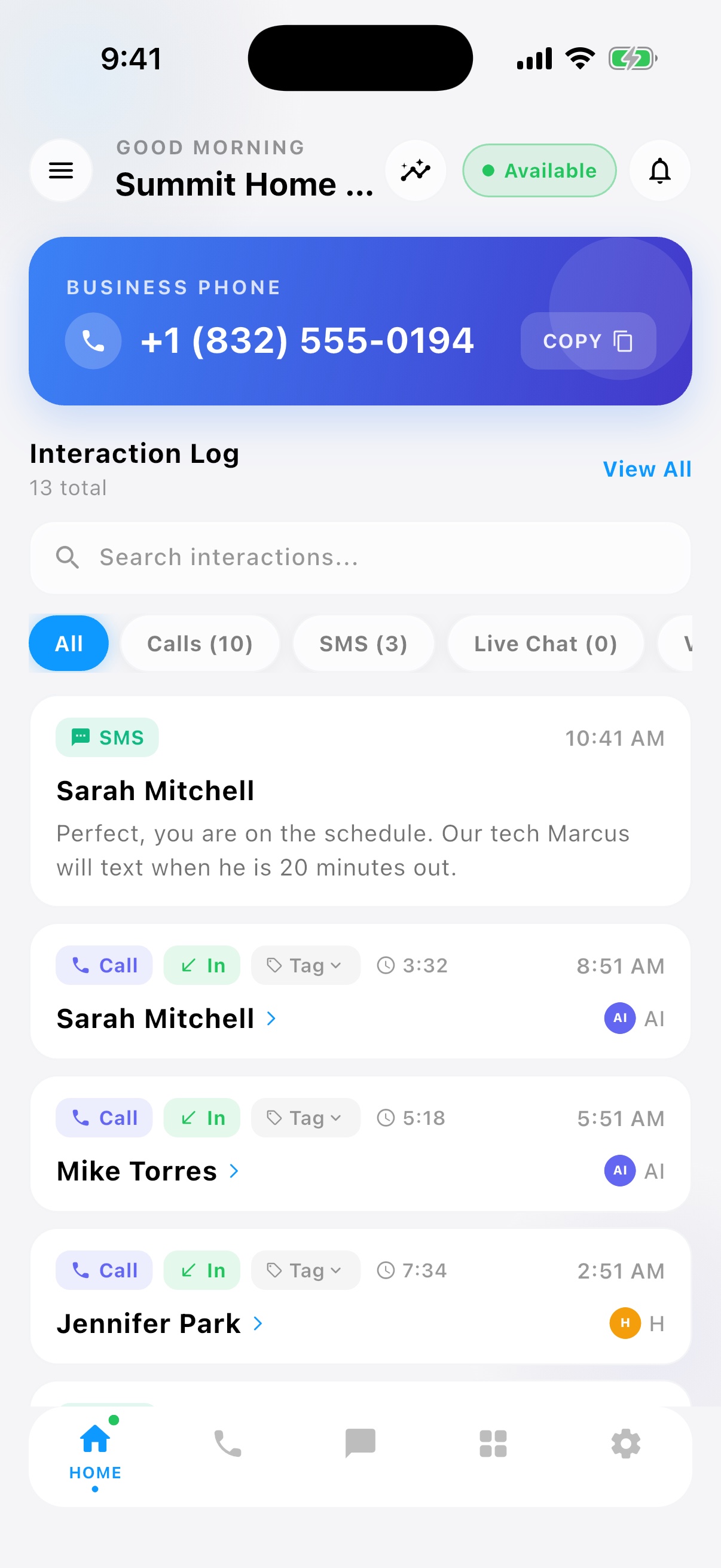
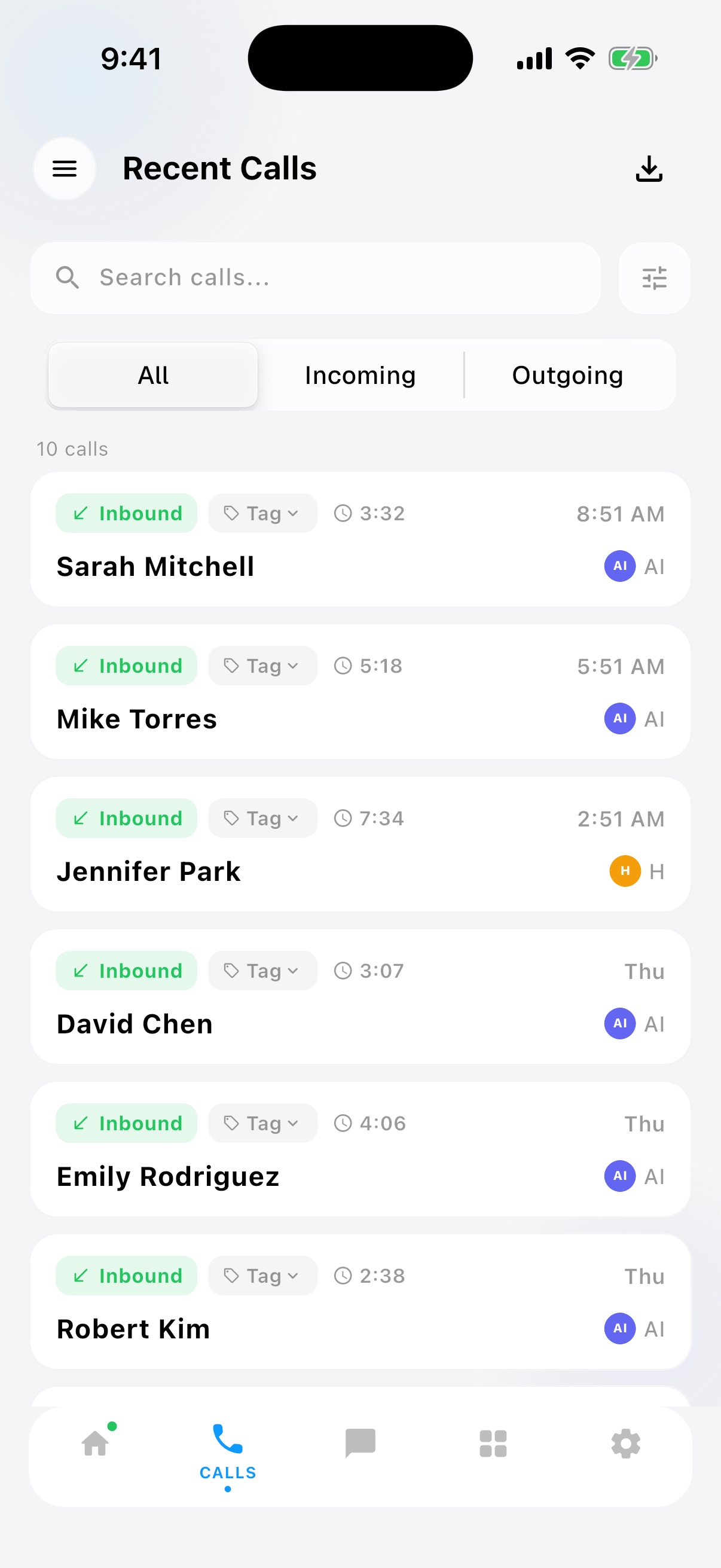
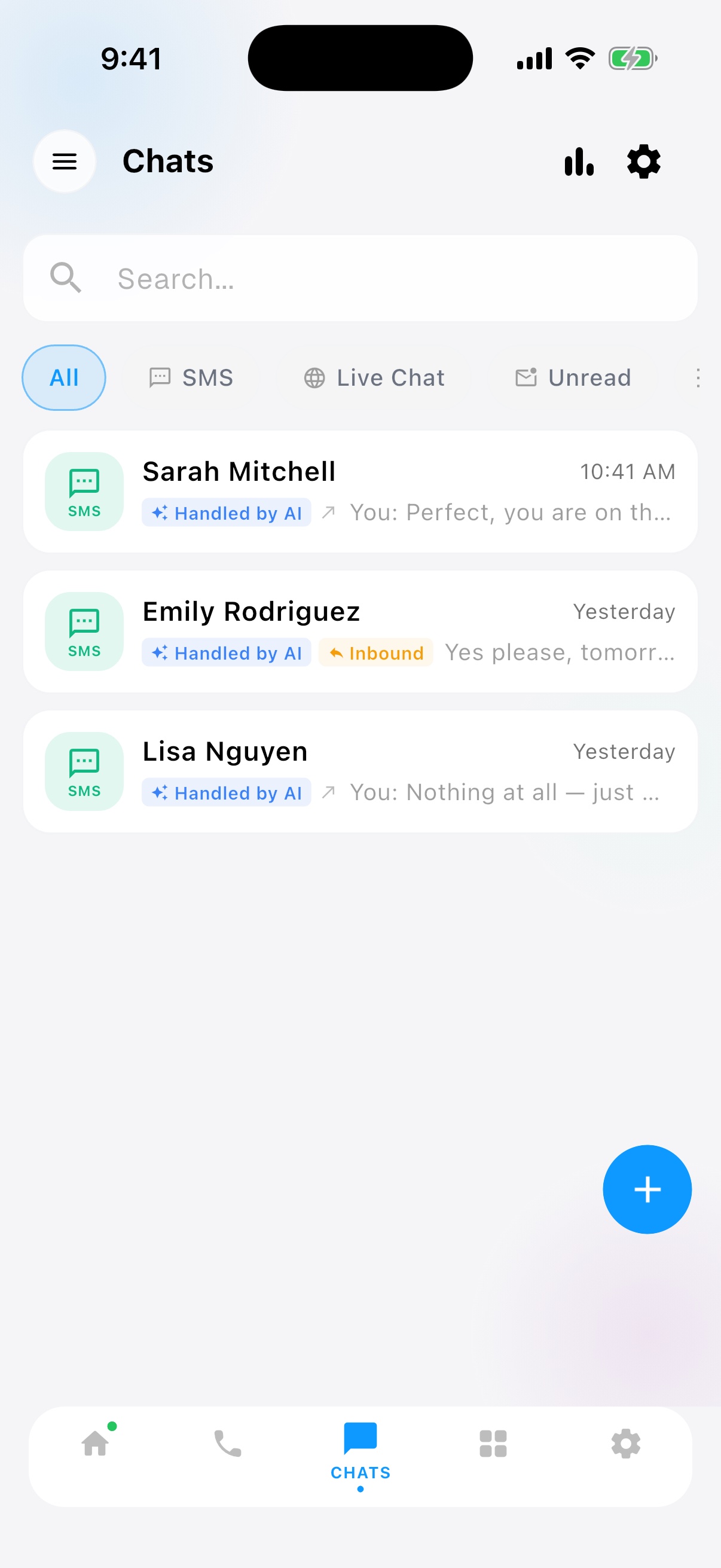
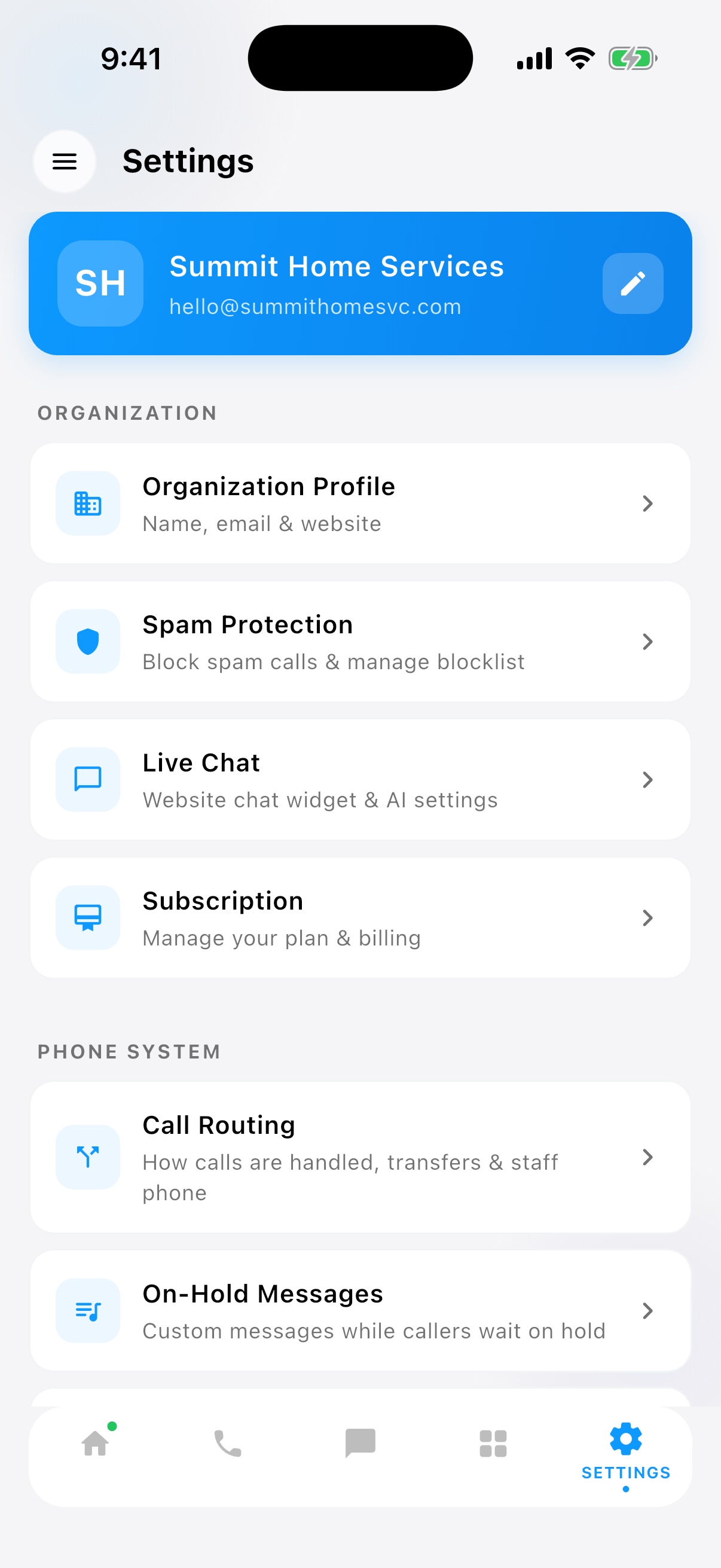
Live call screening — like iOS call screening, for your whole team.
While your AI receptionist talks to a caller, the app shows you who is calling and a live one-line summary of what they want. Routine call? Let the AI finish. Big customer? Tap Take Over and you are in the conversation — the AI hands off mid-call, smoothly. No answering service on the market can hand you a live call.
See who is calling
Caller name, number, and history from your contact book, on every device.
Read what they want
A live AI summary line — “Wants to reschedule Tuesday’s appointment” — updates as the call unfolds.
Take over with one tap
Join the live call from iPhone, Android, desktop, or the web. The AI briefs out and bows out.
Quick answers before you install.
What does the AI receptionist app actually do?
The app is the control room for your AI receptionist. You see every call the AI answers in real time — who is calling, a live line summarizing what the caller wants, and the full transcript as it happens. You can jump into a live call and take over from the AI with one tap, review recordings and transcripts afterward, text callers back, manage contacts, and change your AI’s greeting, voice, and rules from your phone.
Is there an AI receptionist app for iPhone?
Yes. The AI Phone 360 iOS app is on the App Store and works on iPhone and iPad (iOS 15+). It includes CallKit integration, so calls your AI hands to you ring like normal phone calls, plus push notifications for missed calls, voicemails, and messages.
Is there an AI receptionist app for Android?
Yes. The Android app is on Google Play (Android 10+) with the same features as iOS: live call screening, take-over, transcripts, recordings, texting, and full AI settings. One account covers both platforms.
Do I need an account before downloading?
You can install any app first and sign up from the welcome screen. Your subscription starts the moment you create an account — not when you install.
Can I use every platform with one license?
Yes. One AI Phone 360 account works across iPhone, Android, Mac, Windows, and the web at the same time. Calls, contacts, and settings sync in real time — and every plan includes unlimited team members, so your whole team can install the app under one subscription.
How is this different from an answering service?
An answering service relays messages — a stranger takes the call and you get a note later. AI Phone 360 is software you own: your AI answers in your business’s voice, and the app shows you the call AS it happens with the option to join live. Answering services like Smith.ai or Ruby charge $250–$300+/mo and give you a web portal at most; AI Phone 360 starts at $19.99/mo and ships real iOS, Android, Mac, and Windows apps.
How big is the install?
Mobile apps are under 80 MB. The Mac and Windows desktop apps are around 120 MB. The web app needs no install at all.
Install once. Take calls everywhere.
Sign up in the browser, then sync your iPhone, Android, and desktop in a couple of taps.
90-second setup · Unlimited team members · Cancel anytime